
Showing posts with label Windows 7. Show all posts
Showing posts with label Windows 7. Show all posts
Thursday, 29 November 2012
How To Share Printer In Windows 7 Without Password
Sunday, 14 October 2012
Top 5 Ways That Help You Save Your PC From Tracking and Monitoring

Monday, 10 September 2012
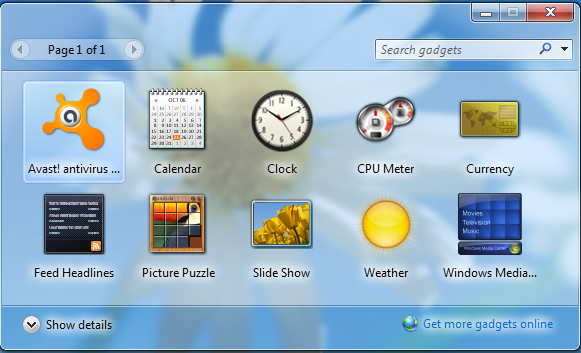
How To Fix Any Corrupt Windows 7 Gadget
Monday, 25 June 2012
How To Make Ethernet Primary Choice Instead In Wi-Fi On Windows

Nowadays Wi-Fi networks are so much common and convenient
that everyone prefers to use wireless internet connection instead of wired
connection. One of the most prominent factor that forces the users to use Wi-Fi
is the mobility, as you can easily move around in a limited area by keeping
your connection on, but when it comes to speed then there are so many glitches
in Wi-Fi as compared to Ethernet - wired connection. Thus, Ethernet is the more
suitable option than Wi-Fi, in terms of speed. In Windows when you are using
both connections at the same time then actually you are using Wi-Fi. This is by
default settings of the Windows, but you can change it quite easily by going
through the simple procedure listed below:


